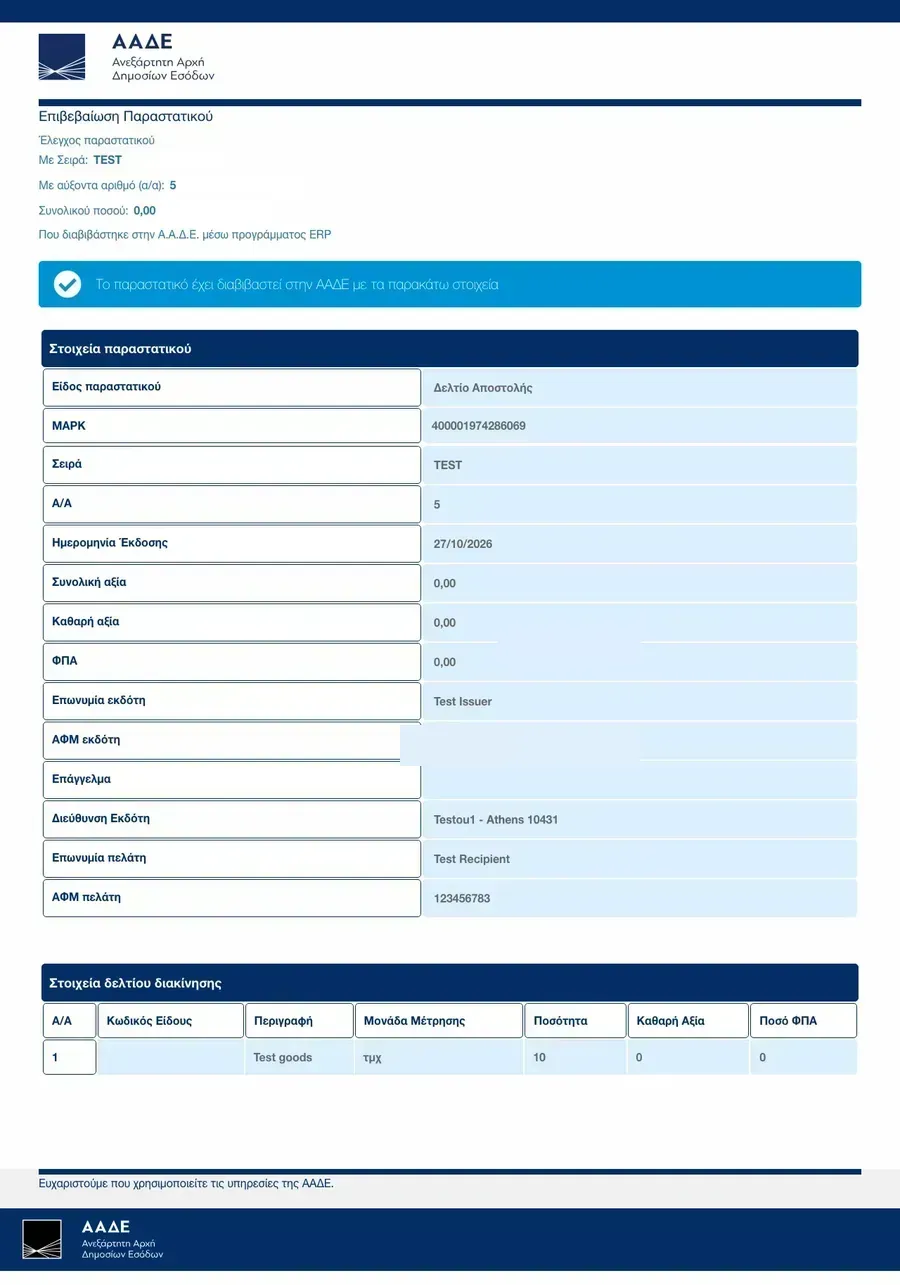

AADE delivery notes
For transport companies: link Filodos to the AADE digital delivery notes as the carrier. A note becomes a delivery task, the start of movement and the delivery result go back to AADE. Part of the documentation.
Connect as a carrier
- Get AADE myDATA credentials for your transport company (user id and subscription key). The AFM stays bound to the credentials at AADE, so you do not type it on each call.
- Sign in as an administrator. Store the credentials and your carrier AFM in the AADE connection. Use the test environment first.
- The subscription key is stored encrypted and never shows again. Only your organization reads its own connection.
The invoice stays in your ERP. Filodos moves goods only and does not issue invoices.
Delivery tasks from QR codes
- The dispatcher pastes the QR URL of a delivery note, or the driver scans the QR at pickup.
- Filodos reads the note state from AADE and makes a delivery task from it.
- A note that is already finished (completed, rejected, cancelled, or failed) is refused with the reason, and nothing is stored.
Read the live AADE state of any task at any time. Filodos stores the state it last saw.

Start and close of movement
- At pickup, start the movement: send the vehicle plate and its current position to AADE. A transshipment repeats the start with the new plate.
- At delivery, close the movement:
FULLfor full delivery,PARTIALfor partial delivery by the carrier,NONEfor failed delivery.FULLandNONEfinish the note;PARTIALkeeps it open for the return leg. - When AADE refuses a call, the reason lands on the task and on the connection. Fix the cause and repeat the action.

API for developers
GET /aade/connectionsandPOST /aade/connections— carrier connections (admins and managers read, admins write).GET /aade/deliveriesandPOST /aade/deliveries— delivery tasks; create takes{connection_id, qr_url}.POST /aade/deliveries/{id}/start— start of movement with{vehicle_plate, transport_type, trailer_plate, latitude, longitude}.POST /aade/deliveries/{id}/complete— result with{outcome}(FULL,PARTIAL, orNONE).GET /aade/deliveries/{id}/status— live AADE state, stored on the task.
A bad QR URL or an AADE refusal answers 422 with the reason. Another organization's delivery answers 404.